
Welcome to the May 2025 edition of Online Campus & Edtech News, a student-focused newsletter to support your success in online learning and use of educational technology resources at Milwaukee Area Technical College. In this edition, we share resources to orient you to using our online tools and help start your studies with confidence.
Blackboard Home Page Updates Coming Soon
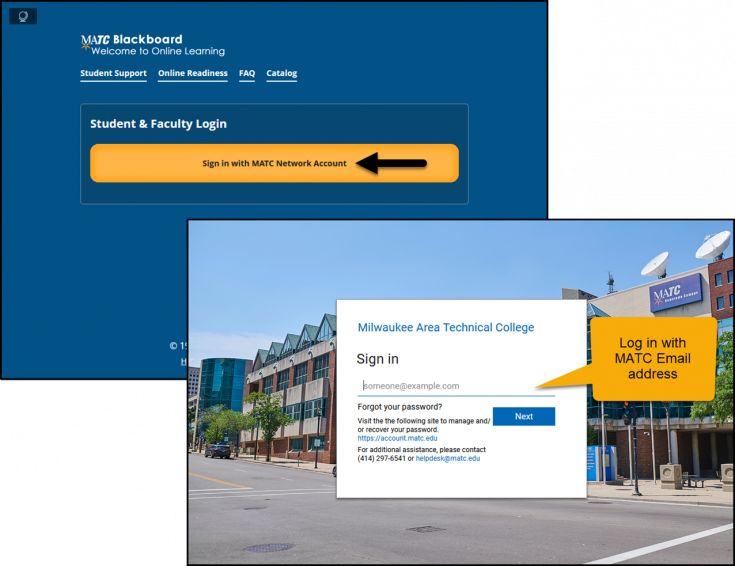
Between May 30th and June 6th, MATC’s Online Learning and Information Technology teams will update the Blackboard home page to improve security and performance. After the update, you will log into Blackboard using your full MATC email address—just like you do for the MyMATC Portal. This change will make logging in easier and more consistent across MATC systems.
Phishing Emails - Stay Alert!

Phishing emails are still a threat to all students. Opening and clicking links can install malware on your devices. This malware uses your account to send spam, causing Google to automatically disable your email and MATC login (including Blackboard and Self-Service). IT can restore access, but delays may cause you to miss deadlines or exams. Stay alert — don’t click suspicious links, and report anything unusual right away to helpdesk@matc.edu.
AI Literacy Essentials For Students Micro-Credential
Academic Integrity
Academic integrity is about being honest when completing coursework and avoiding shortcuts that could harm your education or reputation. To demonstrate academic integrity, give credit to others' ideas and do not cheat on assessments. This ensures everyone's efforts are respected and valued. Refer to the Student Code of Conduct and other resources below to learn about the college’s expectations for academic integrity.
Tools & Resources
Online Learning Resources
If you are taking online or partially online courses this semester, we strongly view the self-paced Online Readiness module or attend a live orientation webinar to learn about the tools, tasks, and strategies to start your studies strong. Additional student success workshops are available for on-demand training on specific academic and career skills.
Log into the Online Readiness module with an MATC network account for a self-paced overview of the tools and processes successful online students use in their courses.
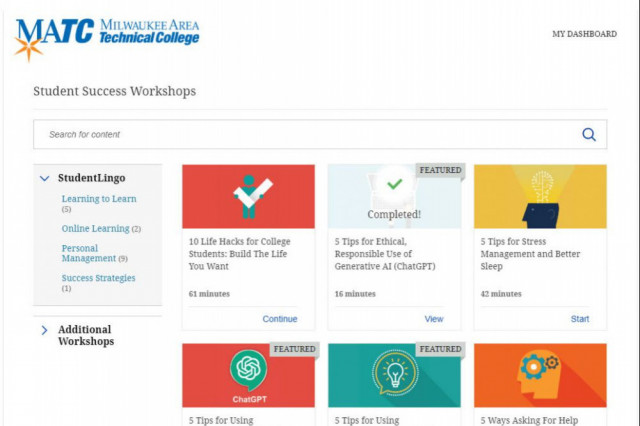
Log into the Online Orientation and click Student Success Workshops for on-demand training on financial literacy, reducing test anxiety, student success strategies for first generation students, and more!

Blackboard Navigation Support
The college's official platform for delivering courses is Blackboard. All online and partially online courses use Blackboard, but instructors teaching face to face courses may also use Blackboard to provide content, assessments, and grade feedback. See the Online Access Guide and the Online Student Support Website for support.
If you have questions or concerns about online learning, contact the Online Campus.
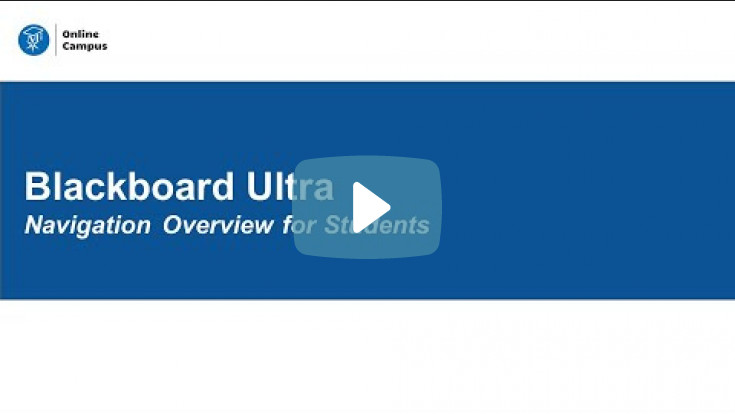
In this new video, students will learn how to navigate the Ultra Base Navigation and Ultra courses. Additional tutorials are provided to the right of the page.
Using Ally in Blackboard Ultra
Did you know that you can download course materials from Blackboard in alternative formats and languages? Wherever you see the Ally "A" symbol in an Ultra Course, you can click to download content as speech-to-text MP3 audio, machine translated language, and electronic braille, or use assistive tools such as beeline reader and immersive reader.


Watch this video to learn about alternative document formats.
Ally Resources

Student Support Hub


